
Your logo, your background
Logo in the center (align and zoom it with the mouse), background as image or looping video – just drag & drop the files.
MUSIC VISUALIZER FOR WINDOWS
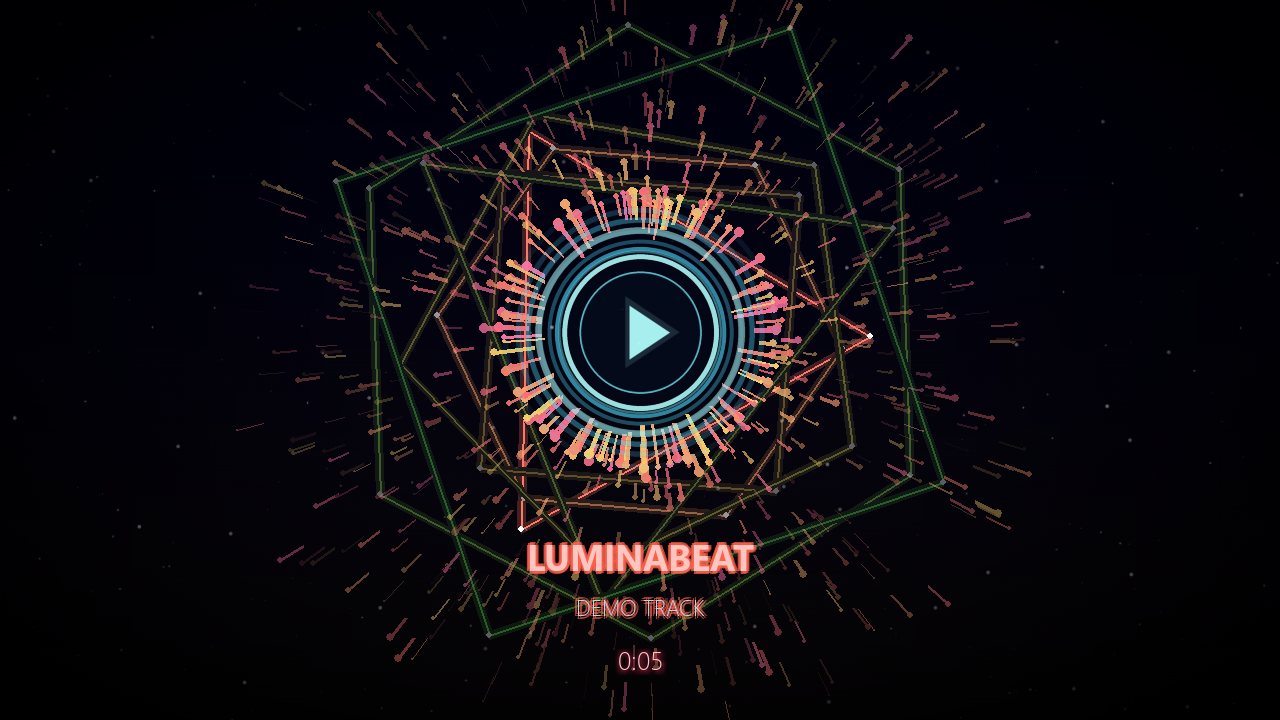
 LuminaBeat
Turn your music into a video.
Load a song, add your logo and background, pick an effect – LuminaBeat reacts to the beat and exports a finished MP4 for YouTube. Everything stays on your PC.
Version 1.1.0 · Windows 10/11 (64-bit)
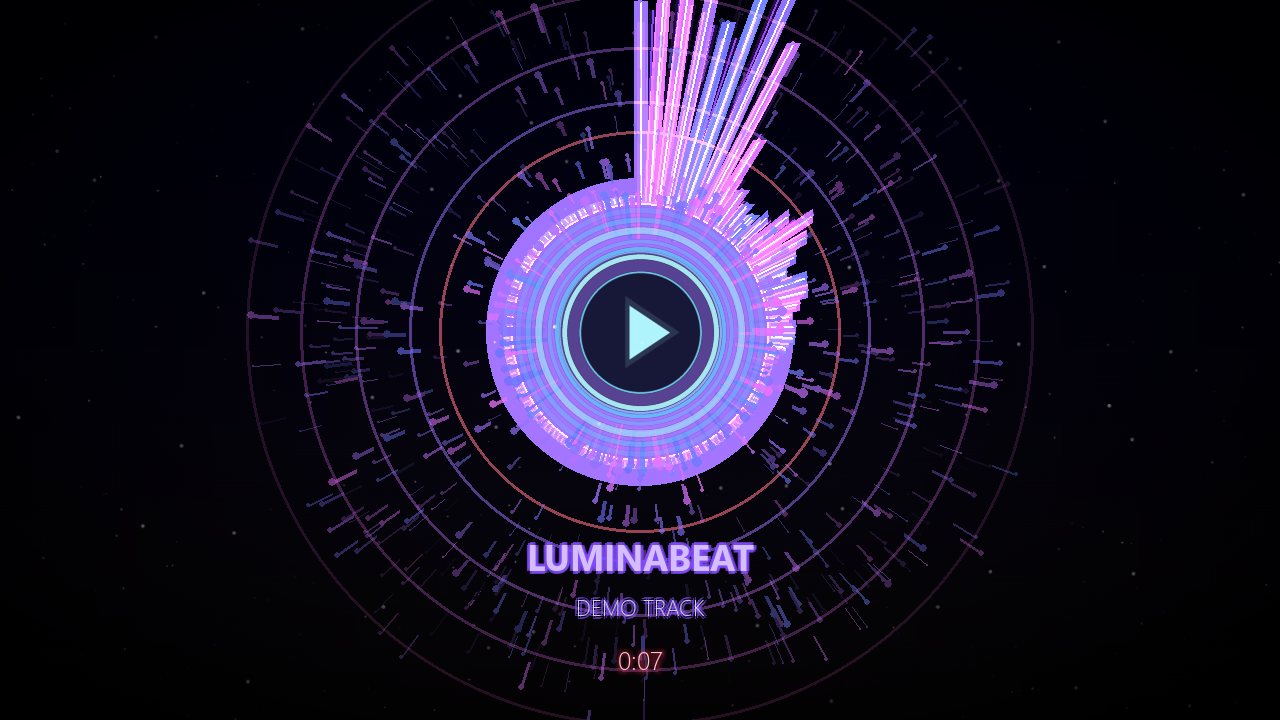
Logo in the center (align and zoom it with the mouse), background as image or looping video – just drag & drop the files.
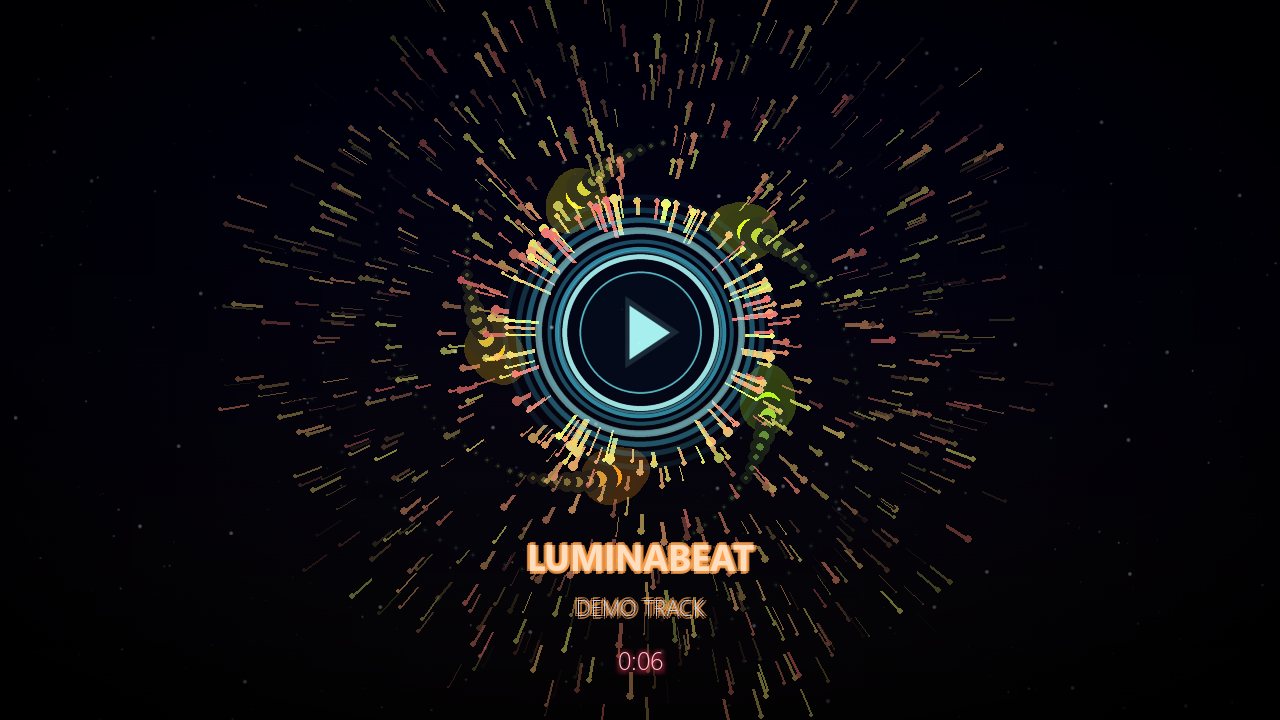
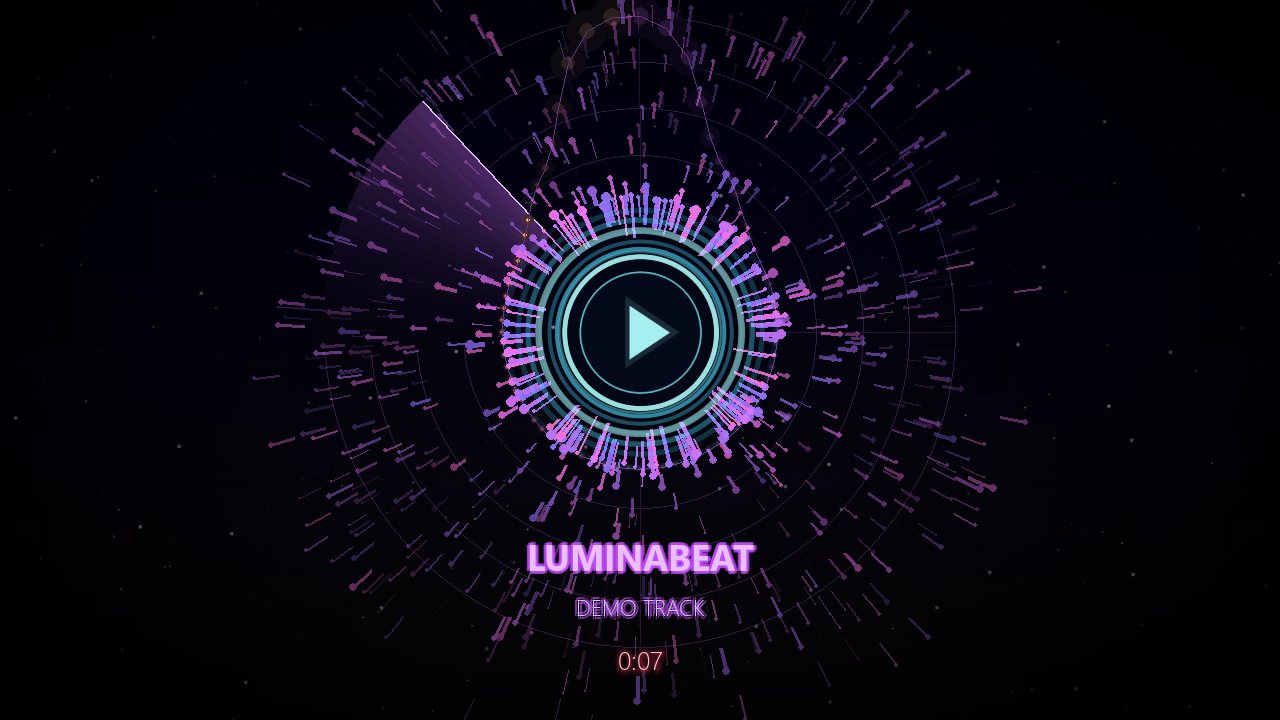
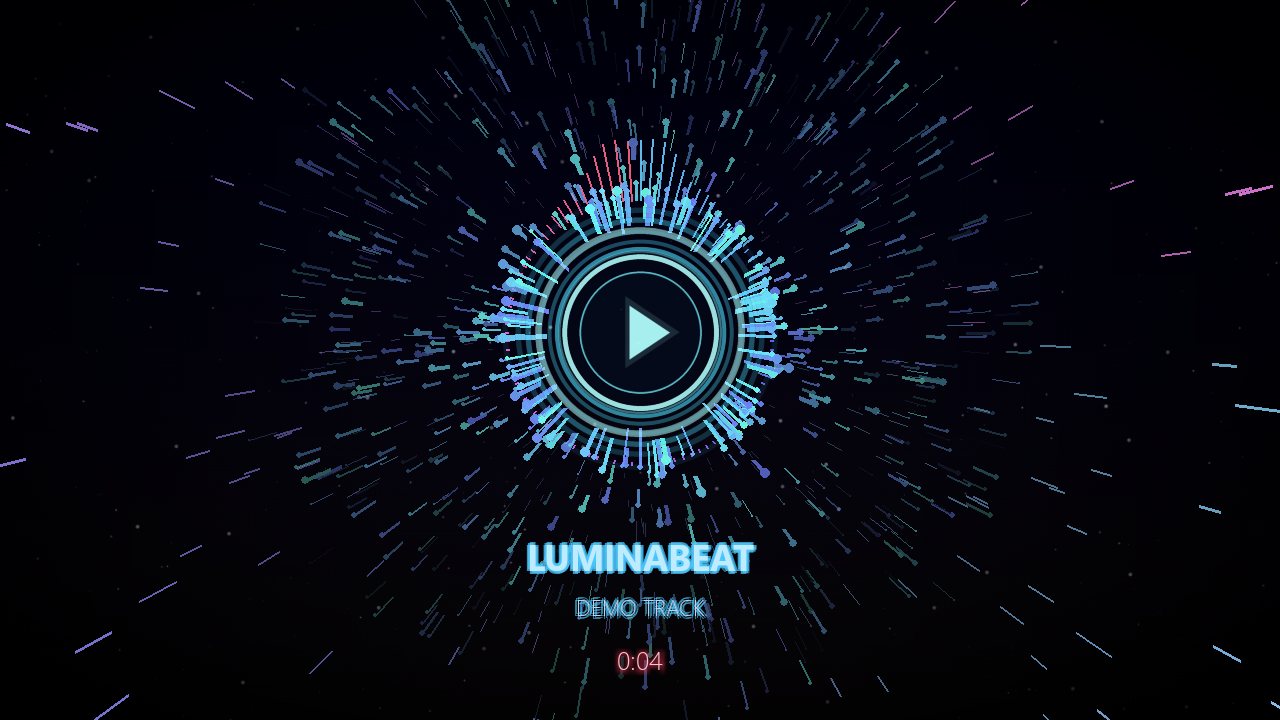
From neon needles and a galaxy to radar, kaleidoscope and electro lightning. Choose what they react to: kick, bass, mids or highs – plus particles in 4 styles on top.
An extra layer you can add to any effect: sound rings, sine waves, speaker arcs or a mirrored wave band – moving to the beat.
Let your logo come alive: heartbeat, spin, wobble, glitch, neon rim or gentle floating – 7 styles in total.
Show a sponsor or channel logo at an exact time: choose position, size and duration, with fade, zoom, fly-in, pop or glitch animations.
Artist and track with 12 title effects (typewriter, glitch, 3D, scroll …), 7 countdown styles and 6 positions for the countdown.
720p, 1080p (30 or 60 fps) or 1440p, H.264 + AAC – ready for YouTube. Optional fade in and out, sound included. The on-screen help never appears in the video.
The whole program is available in three languages – switch any time with one key.
Your music, images and videos never leave your PC. After activation LuminaBeat also works offline.


I check every request personally and usually reply within a few days by e-mail. No e-mail? Please check your spam folder too.
Yes. The key only lets me see who uses it and stop misuse.
Only for the first activation and a short check about every 30 days. Everything else runs offline.
Press K in LuminaBeat on the old PC and choose “Deactivate this PC”. Then activate the key on the new one. If the old PC is gone, just write to me.
The installer isn't signed with a paid certificate. Click “More info” → “Run anyway”. Only download LuminaBeat from this page.